Excel, DSR and billing software: choosing a workflow that scales
See where spreadsheets help, where manual work piles up, and what to automate first as bookings grow.
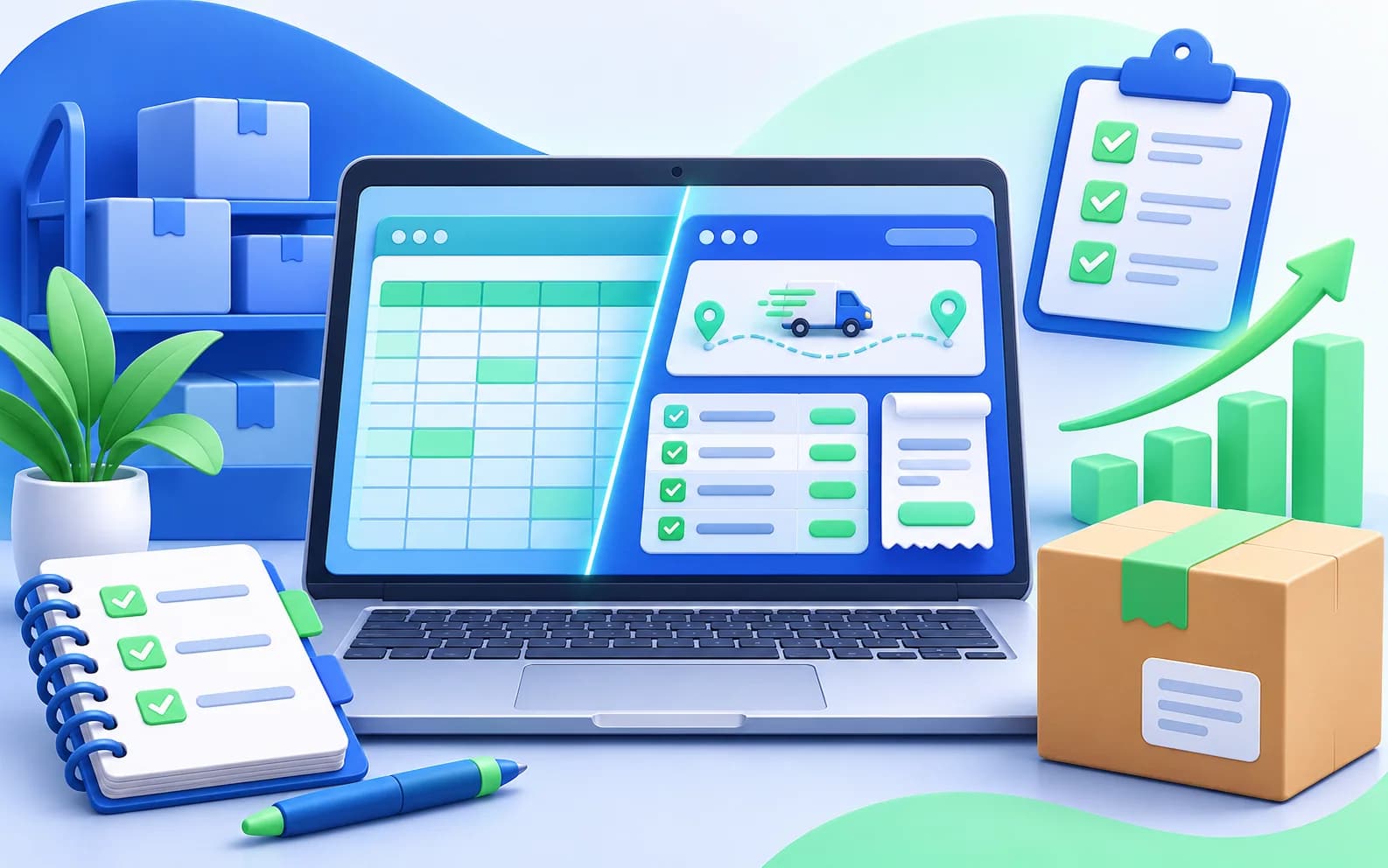
Spreadsheets can be a practical starting point for a small operation. As volume grows, though, repeated entry, version confusion and time spent preparing reports can make the workflow harder to trust.
Keep spreadsheets for what they do well
A well-structured spreadsheet can help with a one-off analysis or a simple reference list. Define who owns the file, where the latest version lives and how changes are reviewed.
Notice the signs of a manual bottleneck
Watch for the same booking details being typed in multiple places, reports that require repeated copying, or staff relying on personal files to answer basic questions. These are useful signals that the process needs attention.
- Repeated re-entry of customer or booking information
- Frequent mismatches between records and invoices
- Difficulty finding the current file or status
- Daily reporting that regularly runs into the next shift
Automate one repeated task first
Choose a frequent, measurable task such as turning booking details into an invoice or preparing a daily summary. A focused change is easier to train, evaluate and improve than replacing every tool at once.